




If you’re comparing Float to a PSA, you’re probably trying to shortlist software the usual way: list your options, compare them, pick the best one. Makes sense—except… it’s not really going to work here 😇
Float and PSA software aren’t interchangeable: they are different systems that occasionally overlap while solving different problems. Instead of asking “which one is better?,” a more productive starting point is figuring out what you are trying to solve for:
- If you’re struggling with resourcing and delivery, such as finding out too late that your team was overbooked, projects went over budget, and the margin you sold got lost in delivery, you’re looking for a specialized resource management system like Float
- If the bigger problem is the disconnect between operations and finance, like the Finance team piecing together complex month-end invoices, billing data getting disconnected from signed contracts, and leadership wanting a single quote-to-cash platform, a PSA may make more sense
Where Float and PSA software overlap, and where they differ
The comparison isn’t as straightforward as Float on one side and PSA on the other (...although that’s what the table below might suggest). Both can plan resources, track time, monitor utilization, and show how projects are performing financially; the difference is in what each system is built around:
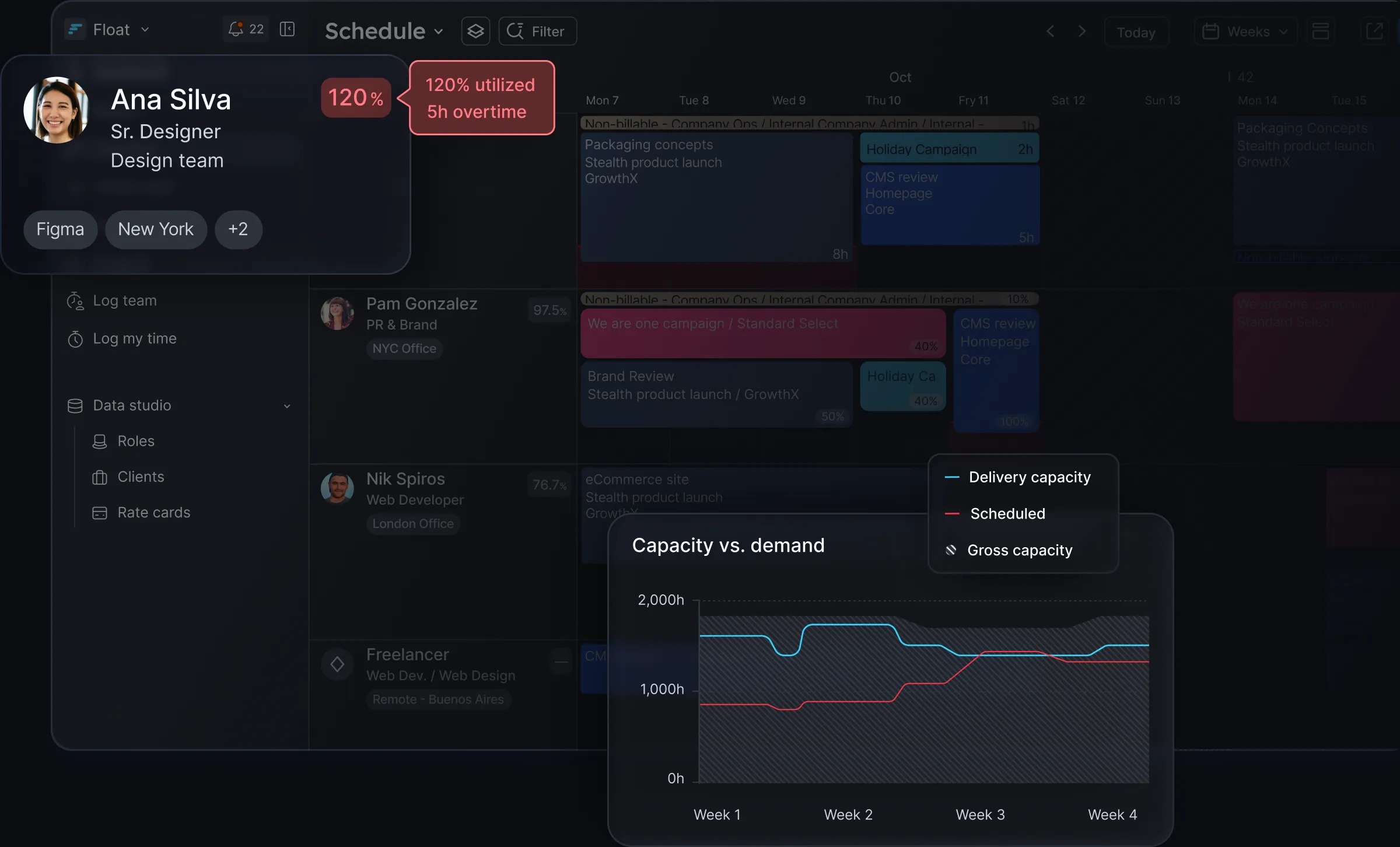
- Float is built around people and projects: capacity, allocation, forecasting, utilization, and the impact those decisions can have on budgets and margins. It sits between the CRM, project management, and finance tools you already use, bringing planned work, logged time, and projected margins into one picture.
- A PSA is built around the financial and administrative processes of a services business: billing, invoicing, project accounting, revenue recognition, financial controls and reporting. Resource and delivery management sit inside that broader system; when a salesperson marks a deal as Won in the built-in CRM, that can automatically trigger project and financial workflows.
Because they are built to do different jobs, the differences between Float and traditional PSA software show up in several places:
The depth and speed of delivery functionality. Float has focused on resource management since 2011 and has been rated #1 in the category for eight consecutive seasons. Resource planning is our core, so scheduling, timesheets, and real-time budget tracking are intentionally designed to be fast and easy to use. In a heavier PSA, scheduling is one module among many and part of a structured, rigid experience where it can take more clicks than it should just to move a single resource or task around.
The decisions each tool helps you make. Float gives you a live view of capacity, staffing, utilization, and margin, so you can make decisions before a delivery problem becomes a financial one. A PSA connects those same data points to wider financial workflows, like revenue recognition and ledger accounting; that’s useful for a Finance team, but it means your resourcing decisions happen inside a system that’s primarily built for financial operations.
How much you have to change. A PSA brings more of your professional services operations into one platform, which often means you have to migrate your existing stack and then change your processes to fit the new structure. Float takes a different approach and works alongside the tools you already use: CRM deals flow in as projects ready for resourcing, and delivery data flows back to Finance as clean, invoice-ready numbers.
Float vs. PSA: How do they compare?
<table>
| Float | Traditional PSA~Built around | People + projects + margins | Financial + operational processes~Primary job | Help teams plan capacity, allocate people, forecast delivery, and protect project margins | Centralize sales, projects, finance, billing, accounting, and other services ops~Best for | Teams whose biggest challenge is resource planning and delivery | Businesses whose biggest challenge is operational and financial integration~Resource planning | Deep and specialized: capacity, AI-assisted allocation, scheduling, forecasting, utilization | Broad, but usually one module within a larger system~Project financials | Real-time visibility into planned vs. actual hours, budgets, utilization, and margins | Financial details connected to broader project accounting and financial controls~Time tracking | Built to make logging time easy and connect it to budgets fast | Usually tied to project accounting, billing, and financial workflows~Billing & invoicing | Produces clean, invoice-ready delivery data for your finance system | Core capability: billing, invoicing, and revenue recognition~Decision-making | Who’s the right person for the job? Who’s overbooked or under-utilized? How are margins tracking? | What has been billed? What revenue is recognized? How is the business performing financially?~Relationship to your existing stack | Works alongside it; complements your CRM, project management, HR, and finance tools | Consolidates it; typically asks you to migrate into a single, quote-to-cash platform
</table>
When should you choose a PSA?
A PSA makes the most sense <highlight>when your biggest challenges are financial and operational</highlight>. For example:
- Complex billing → if you have complex contracts, multiple billing models, milestone revenue recognition, retainers, or approval chains, it can make sense to have those workflows built into a single platform.
- Deeper financial management → a PSA gives you a structured and auditable view of your financial data if you need to break down project spend by category (eg. labor, expenses, sub-contractors), allocate overhead into each project, and track WIP from an accounting-grade system.
- Strict financial controls → there’s a difference between your delivery team knowing a project is hitting its margins, and Finance having the controls and reporting they need to run the business. If the latter is a priority, a PSA is likely the better fit.
Warning: what consolidation costs you
A PSA gives you more features in one system, but that breadth also comes with some tradeoffs:
- You give up some flexibility. A PSA standardizes everything from sales and project intake through to billing and invoicing. If your team’s already built lightweight or tailored processes that work, they will need to be discontinued and replaced with the PSA’s own way of doing things.
- Implementation becomes a bigger project. Replacing your CRM, finance tool, and project management systems at once can mean months of migration and change management. If, at the end of it all, the platform doesn’t fit how your team works, you pay the cost twice: once for the software, and then again in the delivery overhead that follows.
- Everyday delivery decisions can take more work. Extra steps, learning curves, and workarounds add up fast. The risk is that your delivery team spends more time maintaining the system than managing the work.
When should you choose Float?
Float is a perfect fit when <highlight>your biggest challenges are around your people, their capacity, and the profitability of the work they deliver</highlight>.
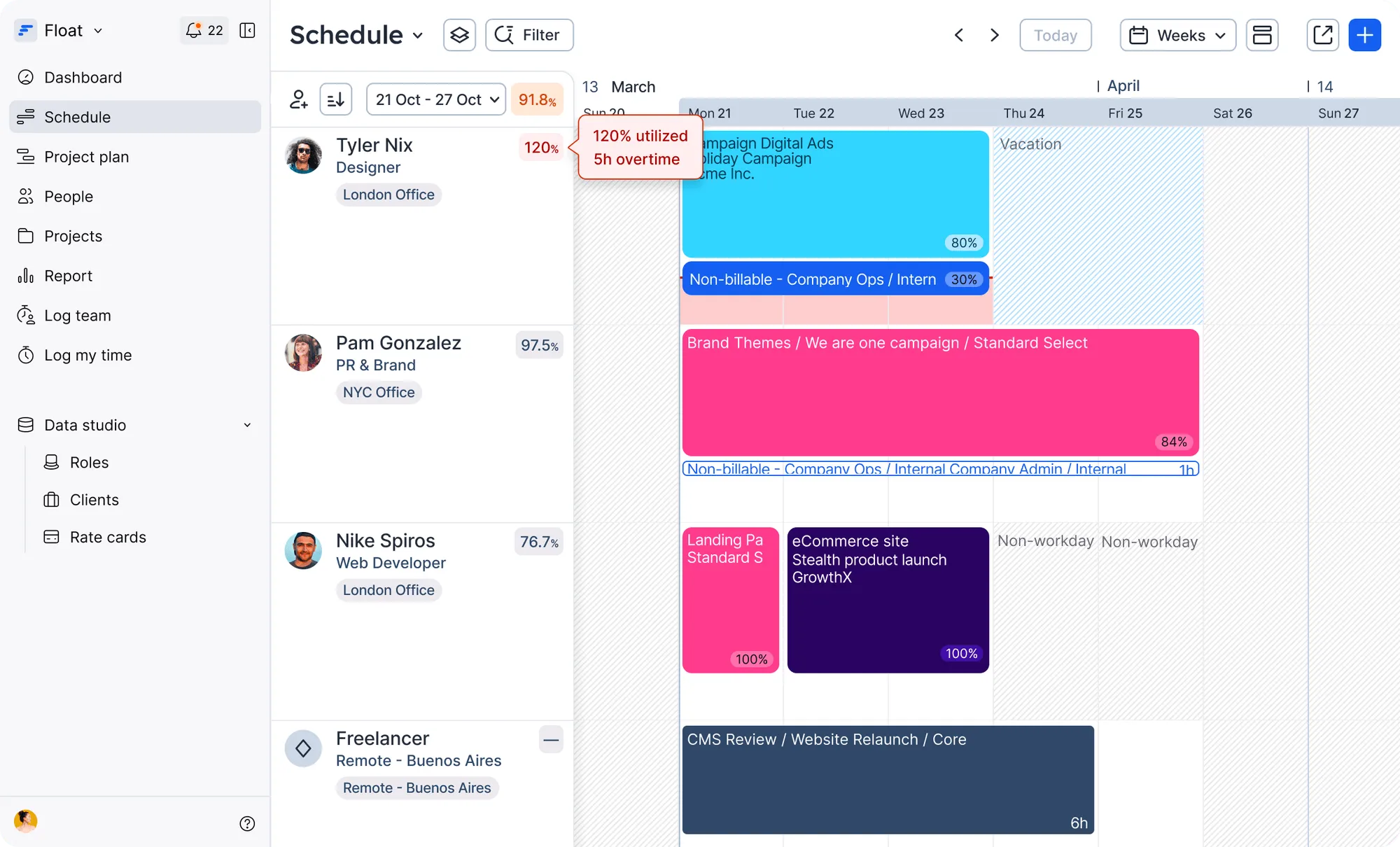
- You need to make resourcing decisions quickly → traditional PSAs can involve rigid and formal request workflows. Float gives delivery teams a visual, drag-and-drop timeline where they see real-time availability and can shift resources in seconds when plans change.
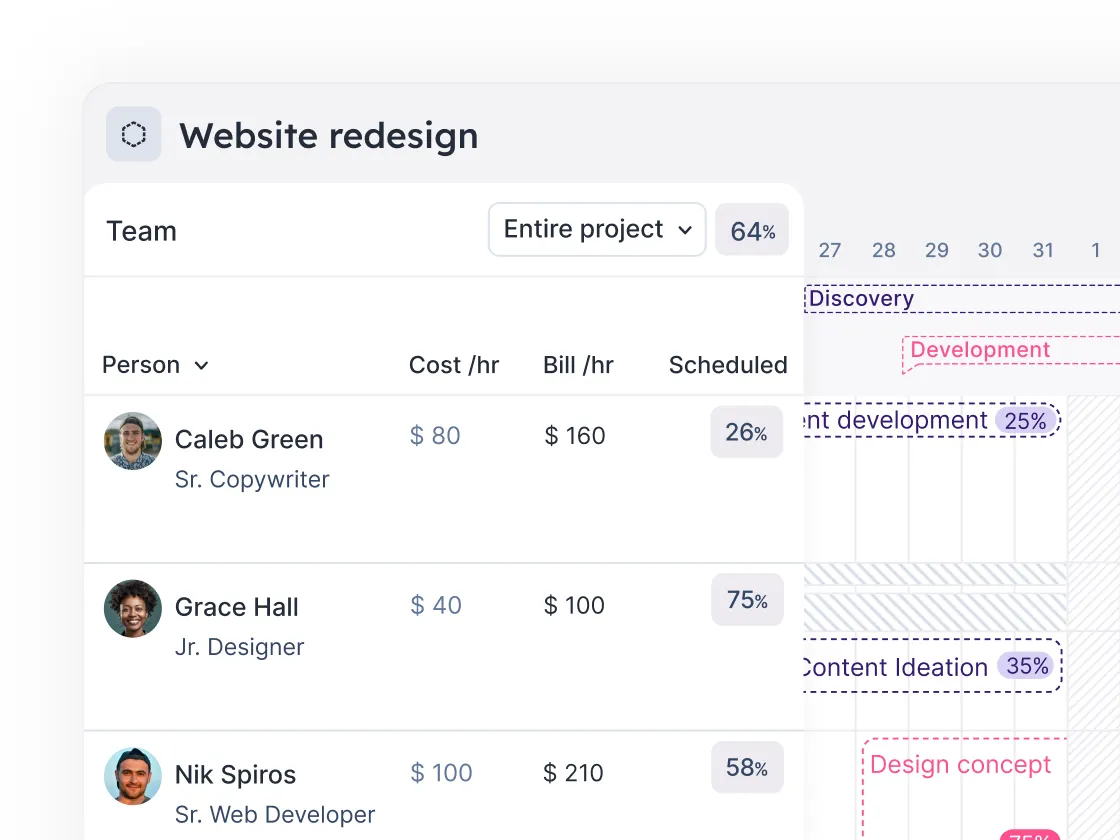
- You want financial visibility without the weight of a PSA → you don’t need to move your accounting, invoicing, and expense processes into another platform just to understand project profitability. Float connects time and resourcing data to give you full visibility into budget burn, delivery costs, and margin, without taking over the processes you already have.
- You want your team to actually use it → Float is built to be implemented and adopted fast (and we have the badges to prove it). Teams plan, estimate, and staff projects quickly and flexibly; timesheets are pre-filled and fast to submit, so they stay up to date; and because the data is easy to interpret, Finance and Ops can quickly see what’s happening at any given time, instead of finding out at reconciliation.
- You run a best-of-breed tech stack → a PSA asks you to consolidate more of your operations around it. Float does the opposite: it becomes the source of truth for team capacity and delivery, while continuing to work with the CRM, project management, HR, and finance tools you already have.
Don’t add a PSA just because you need better resource planning
Ultimately, you don’t need a PSA to fix a resource management problem, and you don’t need Float if resource management isn’t your core problem.
If you need to bring sales, delivery, billing, accounting, and financial operations into one connected system, you’ll likely choose a PSA.
<highlight>If your priority is getting the right people on the right work, at the right time, and knowing early when delivery is putting your margins at risk: Float is built for that.</highlight>
As a next step, check out this 3-minute product tour to see how Float gives you the full picture of delivery: who’s working on what, whether utilization is slipping, and where margin is heading.
FAQs
A few helpful FAQs, answered
Float is a specialized resource management system, built to help professional services teams plan capacity, allocate people, forecast delivery, track utilization, and protect project margins.
A PSA (professional services automation) platform has a broader scope, typically connecting sales, project delivery, billing, invoicing, accounting, and financial reporting in one system.
No—and crucially, it doesn’t want to be one! Float is a resource management system that focuses on the people and project side of professional services, including resource planning, scheduling, capacity, utilization, time tracking, and project financial visibility. It can work alongside the CRM, project management, HR, and finance tools you already use rather than replacing them with one system.
It depends on what you’re trying to solve. If your main challenge is around resource planning, utilization, delivery visibility, or protecting project margins, you may not need a PSA in the first place. But if you need one platform to manage complex billing, invoicing, revenue recognition, project accounting, and broader financial controls, a PSA is likely a better fit—you might want to check out solutions like Smartsheet, Kantata, or Productive.
Yes. Float can sit alongside a PSA as the resource management layer for your professional services team. This can give delivery teams a more specialized way to plan capacity, schedule people, and manage utilization, while the PSA continues to handle financial, billing, accounting, and other operational workflows.
.webp)


