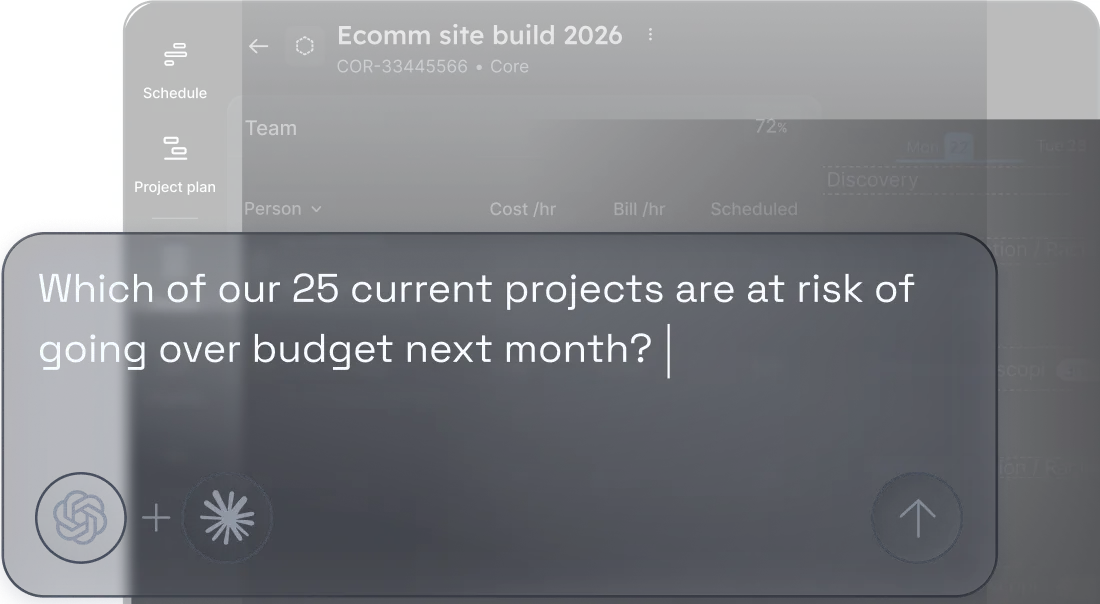

Ask Float %%anything%%. Get answers %%fast%%.
Connect Float to any AI tool that supports MCP (like ChatGPT or Claude) and ask plain-language questions about your team’s capacity, utilization, and project performance. Get answers fast, without pulling a single report.
Your data is already in Float. Now you can talk to it.
Ever wish you could ask your AI tool “Which of my 20 projects are at risk of going over budget next month?” or “Who’s available across all my locations to cover someone on leave next week?” and get a clear answer in minutes?
With Float MCP, you can.
Connect your Float account to any MCP-enabled system, including ChatGPT and Claude, and ask questions about your people and projects in plain language. Time-poor resource managers get fast answers to common resourcing and availability questions without waiting for reports. Operations and Finance leaders get a quick read on broader trends, or a fuller view when Float is connected alongside their CRM, ERP, and other finance tools.
Float MCP: ask about team capacity and availability
Ask Float to group your team by department, flag anyone on leave, and surface who’s available to cover. It takes seconds rather than a manual trawl through the schedule.
Operations leaders and resource managers use this to make staffing calls faster and run efficient processes, with less back-and-forth:
- Who is over capacity or on leave this month, grouped by department?
- Who has availability to take on new work next week?
- Identify people who haven’t logged their time and instructs Claude to send them a Slack reminder.
Float MCP: ask about staffing trends and patterns
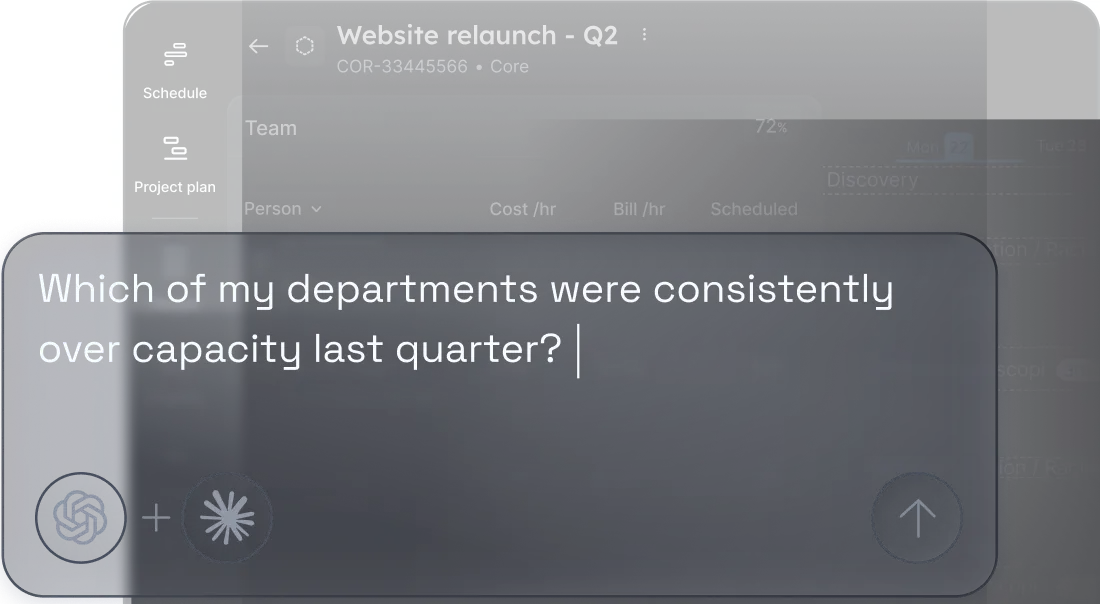
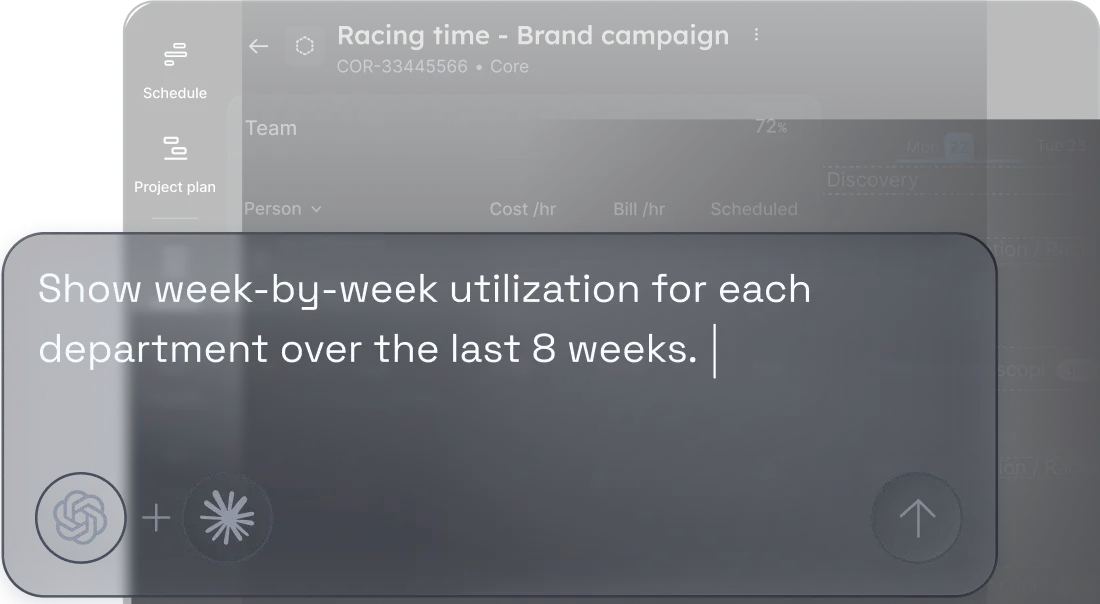
Float MCP can pull patterns across weeks and months so you can see how your teams have been running.Useful for spotting which departments are consistently stretched before it shows up in delivery:
- Which departments were consistently over capacity last quarter?
- How did utilization compare across teams in Q1 vs Q2?
- Which roles are hardest to keep within capacity?
Float MCP: ask about budget and project risk
Float MCP can tell you which projects are tracking over budget before it’s too late to act.Finance and Operations leaders use it for a fast read on project health across the portfolio:
- List active projects with high utilization and long remaining timelines.
- Identify people with unusually low billable utilization this month (bottom 10%).
- Rank active projects by budget burn rate based on scheduled hours over the next four weeks.