
If you’re reading this, you’re almost certainly running resourcing in a spreadsheet. You’re in good company: around 40% of teams come to Float straight from Excel or Sheets, and most of the rest are patching spreadsheets together with several other tools like an ERP, a PM tool, or a time tracker.
We’re obviously biased towards Float, but this is an honest comparison and we’re not going to pretend that Float is always the right answer. A lot of our customers built their whole resourcing process in a spreadsheet first, because spreadsheets are a great way to start resourcing when nothing else exists. They’re your first real look at where time goes, what it’s spent on, and where your team’s capacity is. They’re flexible, familiar, and easy to set up. For a small team with relatively simple staffing needs, a spreadsheet may be all you ever need.
As your team and projects grow in size and complexity, so does the amount of information you need to keep connected in your spreadsheet. At that stage, resourcing is no longer ’just’ about who’s available: you’re balancing capacity, holidays, due dates, utilization, costs, rate cards, budgets, revenue, and margin, often across multiple clients and currencies, at the same time.
That’s when the spreadsheet starts to break.
Spreadsheet vs. Float: an at-a-glance comparison
<table>| Float | Spreadsheet~See who’s available | Live capacity, always current | Manual, accurate only until the next change~Avoid double-booking | Built-in over-allocation warnings | Formulas and colour-coding you maintain by hand~Move people between projects | Drag and drop, everything updates downstream | Manual edits across every affected tab~PTO and holidays | Built into capacity automatically | Tracked separately, updated by hand~Skills, roles, and tags | Built in and filterable | Possible, but cumbersome to keep current~AI-assisted staffing| Based on actual delivery data | No staffing intelligence~Multiple concurrent projects | Designed to handle the single view| Multiplying tabs that drift out of sync~One shared source of truth | One system, access-controlled | Copies fork across email, Slack, and drives~Survives a key person leaving | Shared system, nothing walks out the door | One owner, one file, one point of failure~Cost and bill rates | Rate cards for standard, client-specific, or multi-currency rates | Hand-keyed, easy to get out of sync~Planned vs. actual hours | Pre-filled timesheets, live against the plan | Extra sheets and manual reconciliation~Budget burn | Tracked live as the schedule changes | Recalculated by hand, usually after the fact~Project margin | Visible in real time as you staff and re-staff | Only clear at reconciliation, if tracked at all~Cost | Paid, from $7/user/month | Free, minus the hours spent maintaining it</table>
When is a spreadsheet enough for resource management?
For a small team with straightforward resource planning needs, a spreadsheet can be enough to manage capacity, staffing, and project allocations without dedicated software. Stick with one when:
- Your team is 5-10 people and mostly in one place: at this size, everyone roughly knows who’s on what, changes can be talked through quickly, and there’s a shared understanding of availability
- Your project and client list is fairly stable, without much variation or churn
- One person can hold most of this info in their head and maintain the file (with the obvious asterisk that this works right until that person is on leave or moves on)
<highlight>The tipping point usually comes when resourcing and staffing become too complex to keep accurate manually.</highlight> If you’re managing a larger team across multiple projects, regularly changing allocations, different rates, contractors, PTO, or project margins, a dedicated resource management solution like Float makes a lot more business sense.
Float vs. spreadsheet: what’s the difference?
Picture your team one size up: 100 people, 20+ concurrent projects, full-timers split across several of them with part-timers and contractors in the mix, different bill rates by client, ad hoc rate cards, multiple currencies, and a target margin to hold.
Could you build and manage all of this in a spreadsheet? Maybe.
...but would you really want to?!
- In a spreadsheet, you’d have to maintain several interconnected tabs and formulas to make all of the above stay in sync—assuming you could have it all in one place to begin with. As soon as a due date shifts or someone is out, someone else has to make this update in the sheet and make sure it is reflected downstream.
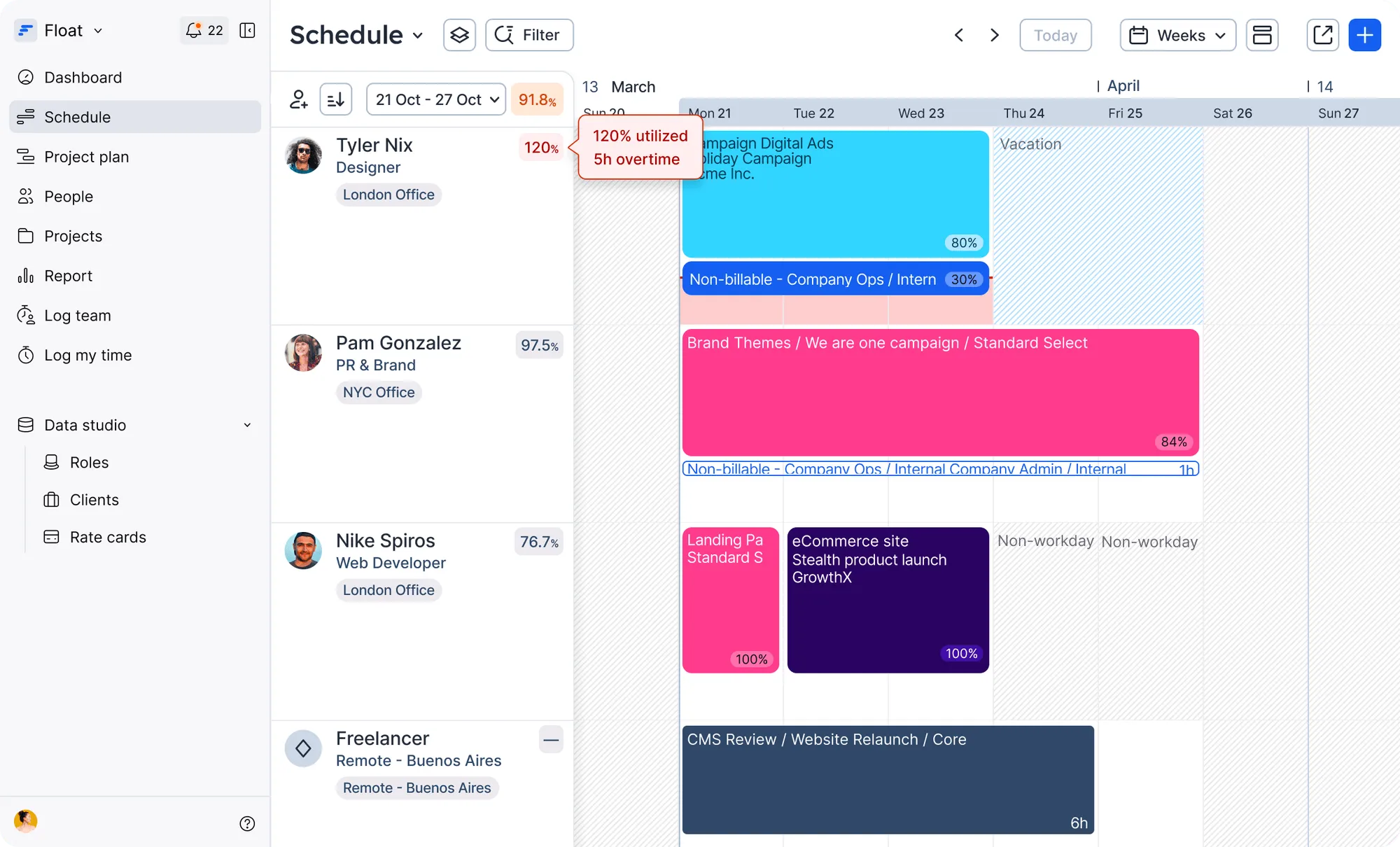
- In Float, you change an allocation, sync a day off, or swap a specific role on a project, and the team’s schedule, capacity, and margins picture updates with it.
That’s the difference: <highlight>a spreadsheet records your resource plan, while dedicated resource management software like Float connects all the moving parts of that plan and keeps them up to date.</highlight>
A spreadsheet is a grid of cells and formulas: it can be infinitely flexible, but it lacks a lot of the context around people, projects, and margin performance that business-critical staffing decisions need. It’s accurate the second you save it, and outdated as soon as anyone’s plan changes after that. Also, it’s always one cell away from breaking:
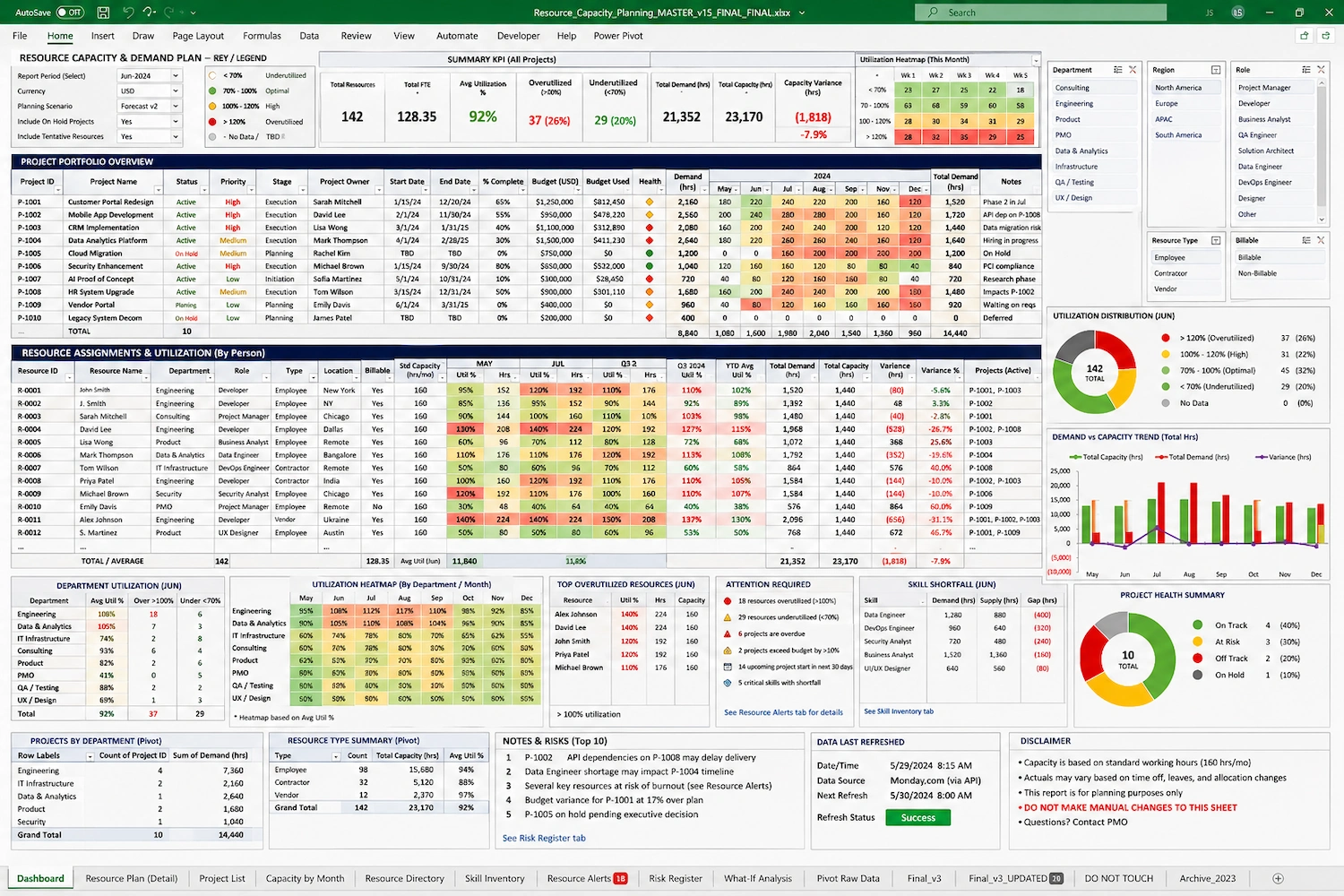
Also worth noting: rates and margin usually live in a separate sheet that Finance owns and guards. A project planned at 60% margin can land at 6%, and your entire delivery team won’t know by looking at your spreadsheet. You’ll only find out at reconciliation, weeks after you could have done something about it.
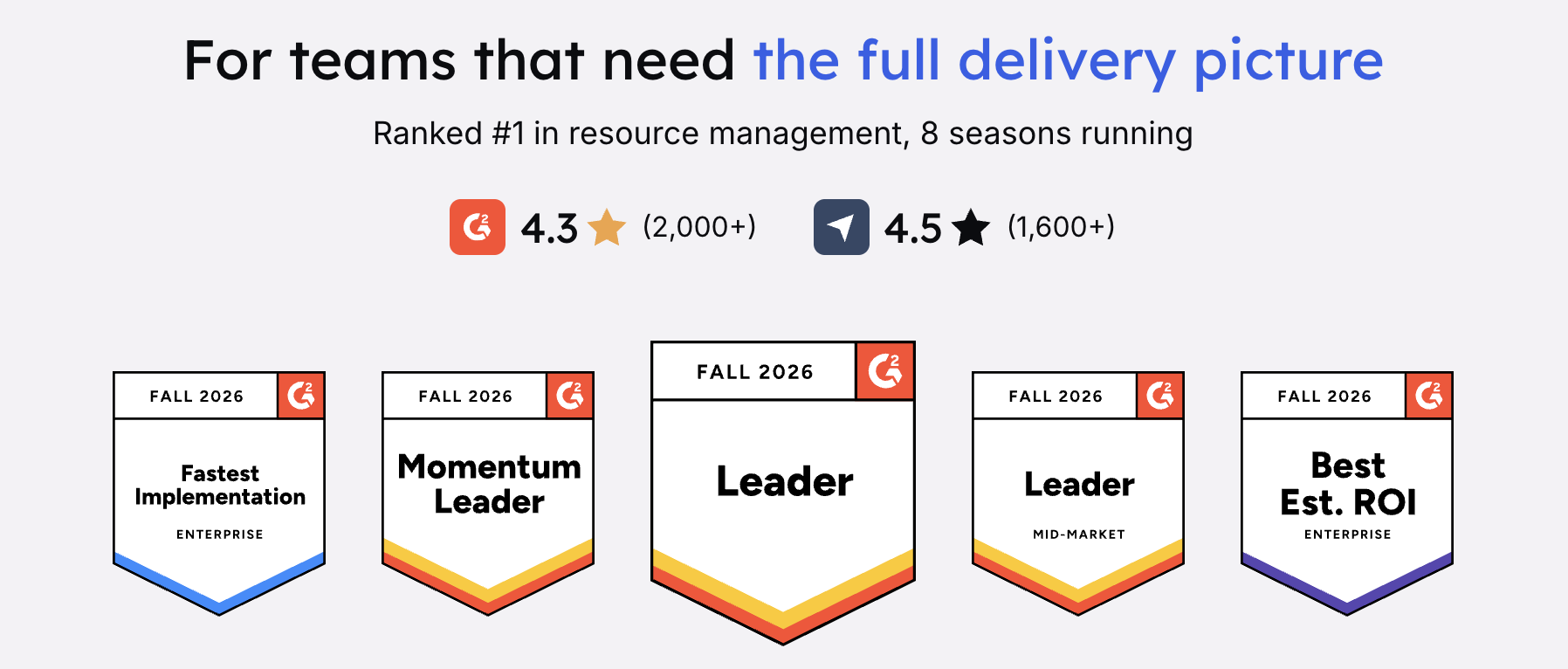
Float brings that context before it’s too late: who’s on what, whether delivery’s on track, and what’s coming next, all in one live view that talks to the rest of your stack. It’s been rated #1 for Resource Management on G2 for 8 consecutive seasons, and is trusted by agencies that have been solving resource management problems for decades, alongside some of the largest and most sophisticated companies in the world (check them out!). That gives us an unusually strong feedback loop: we’re building with and for teams that operate resource management at an extremely high level.
When should you move from a spreadsheet to Float?
You’ll know. It’s probably around the time you start researching resource management spreadsheet alternatives or even spreadsheet vs. Float 😉
More seriously, the right time to move is when maintaining the spreadsheet becomes part of the workload itself. Your spreadsheet stops helping you manage resources, and turns into yet another resource you have to actively manage. What that looks like:
- Your team is cross-referencing multiple tabs to piece together staffing, availability, and project numbers
- Changes to holidays, project dates, allocations, or staffing require someone to manually update multiple places
- You need to see capacity, utilisation, project budgets, estimates or margins alongside your staffing plan instead of in separate systems
- You’re making staffing calls half-blind, and can’t answer “Are we on track?” or “What do our margins look like?” questions until it’s too late to do anything about it
- You realise the spreadsheet has become a fix for a previous fix. For example: maybe you spun it up next to a PM tool that couldn’t handle staffing and capacity, and now keeping it all wired together is a job in itself
A quick note on cost. The spreadsheet feels free because it’s bundled into software you already pay for. <highlight>But there is a hidden cost: the hours you spend keeping it current, plus the price of the mistakes it catches too late, like over-allocations, missed margins, poor staffing calls.</highlight>
To sum up: should you use a spreadsheet or resource management software?
Our honest answer is: it depends on what you need.
Spreadsheets are where nearly every good delivery team starts: they’re flexible, established, and used by a lot of successful businesses out there. We’re never going to tell you to burn them all down and start over.
But if your business runs on people and their talent, how you deploy them is one of the most important operating decisions you make.
If your spreadsheet still gives you a clear, reliable picture of who’s available, what they’re working on, and how your projects are performing, keep using it. If getting that picture requires multiple tabs, manual updates, and constant cross-checking, it may be time to move to dedicated resource management software like Float.
As a next step, take this 3-minute product tour, and see it for yourself: