Build a winning team for every project
When capacity lives in spreadsheets and resourcing in your head, you can’t tell who’s available, how projects are staffed, and whether delivery’s on track. Float fixes that.

Trusted by Resource Managers across 4,500+ teams




.svg)







.svg)



Why is it always so hard to put the right people on the right projects?
Last-minute changes. Surprise PTO. No visibility beyond the next few weeks. When you’re constantly reacting, there’s no time left for long-term planning.

The scope changed. Again.

Wait: they’re on PTO?

What happens when we win the next pitch?
Finally, you can stop reacting and start planning
Float gives you a live view of your team—who’s available, who’s overbooked, and what’s coming next—so you can make resourcing decisions with full visibility.
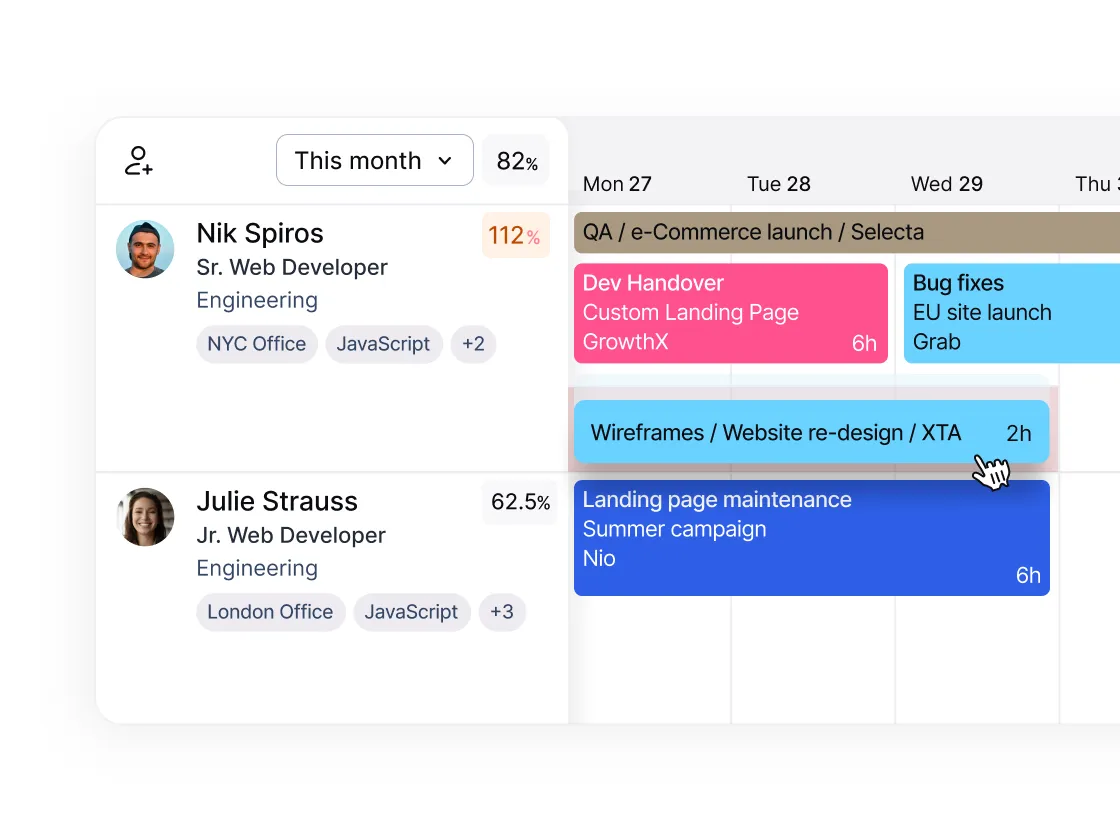
See changes as they happen
When a project shifts or a deadline moves, your schedule updates in real time. No more rebuilding from scratch: just drag, drop, and keep moving.
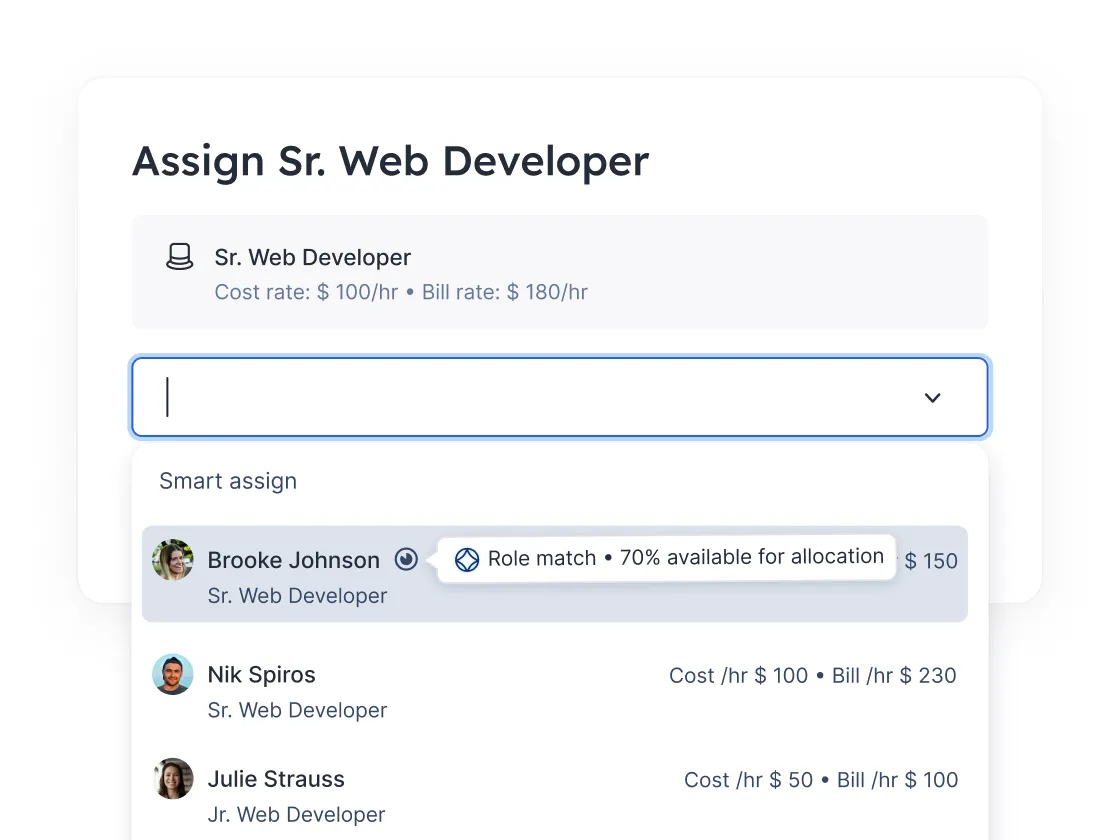
Know who’s available and right for the project
PTO, public holidays, working hours: it’s all in one place. And with skills, role, and availability filters, you can staff by best fit, not just whoever’s free.
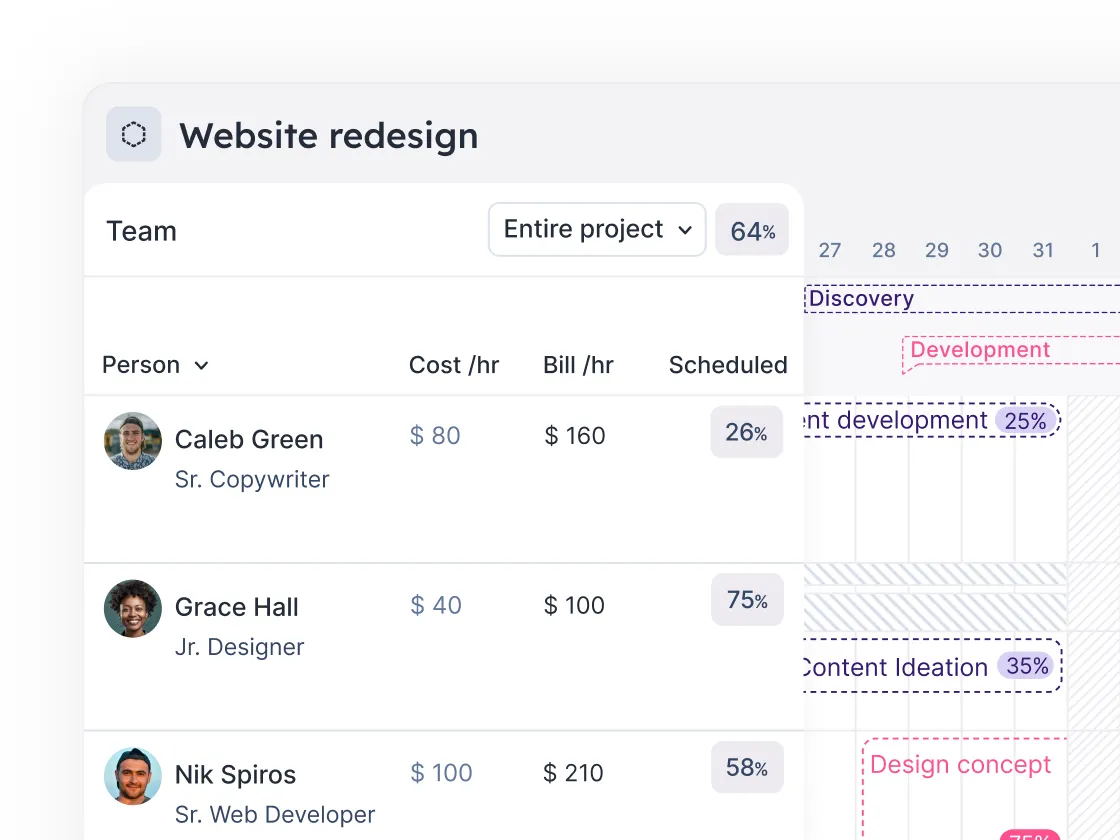
Plan months and quarters ahead
See your team’s capacity over time. Spot gaps before they become problems, and help scenario plan upcoming projects before they land on your desk.

Chosen by the best to get resourcing right
See how teams like yours make people-first, profit-minded decisions every day with Float.

%20(1).webp)



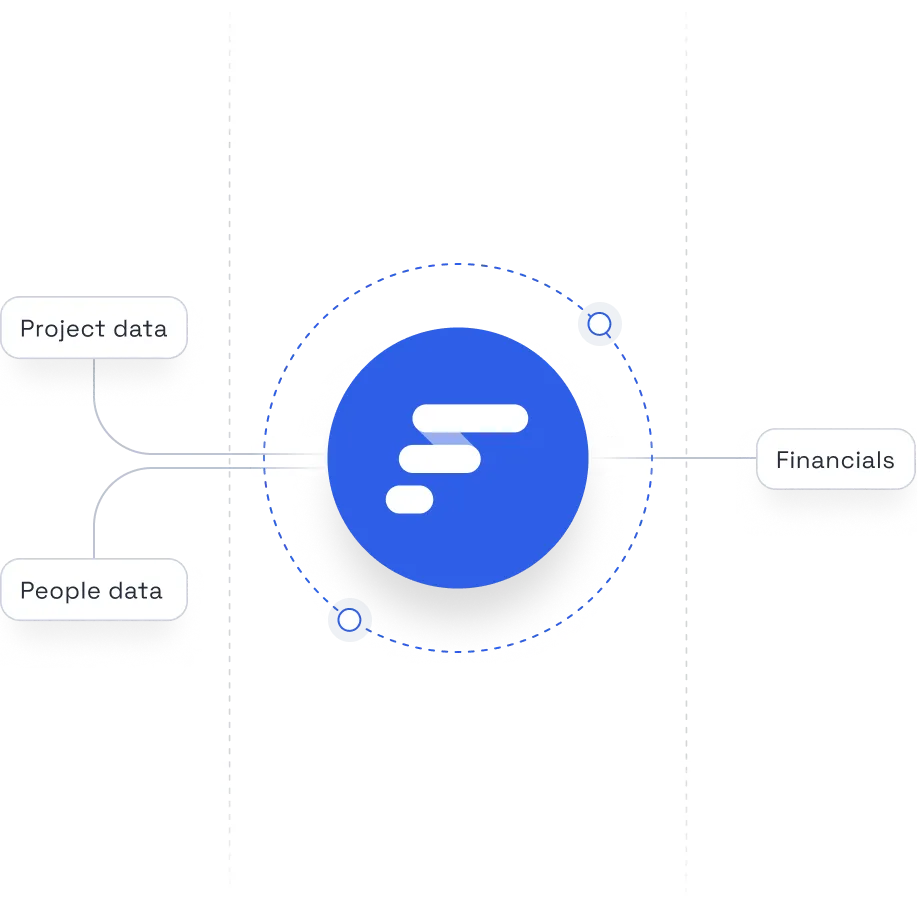
Profitable delivery runs on connected data
Float sits at the center of your people, project, and financial systems, keeping the data at the core of your operations accurate and always up to date.