%%Time tracking%% that is less work and more insights
Make actuals tracking easy for your team with built-in time tracking that pre-fills from scheduled work.
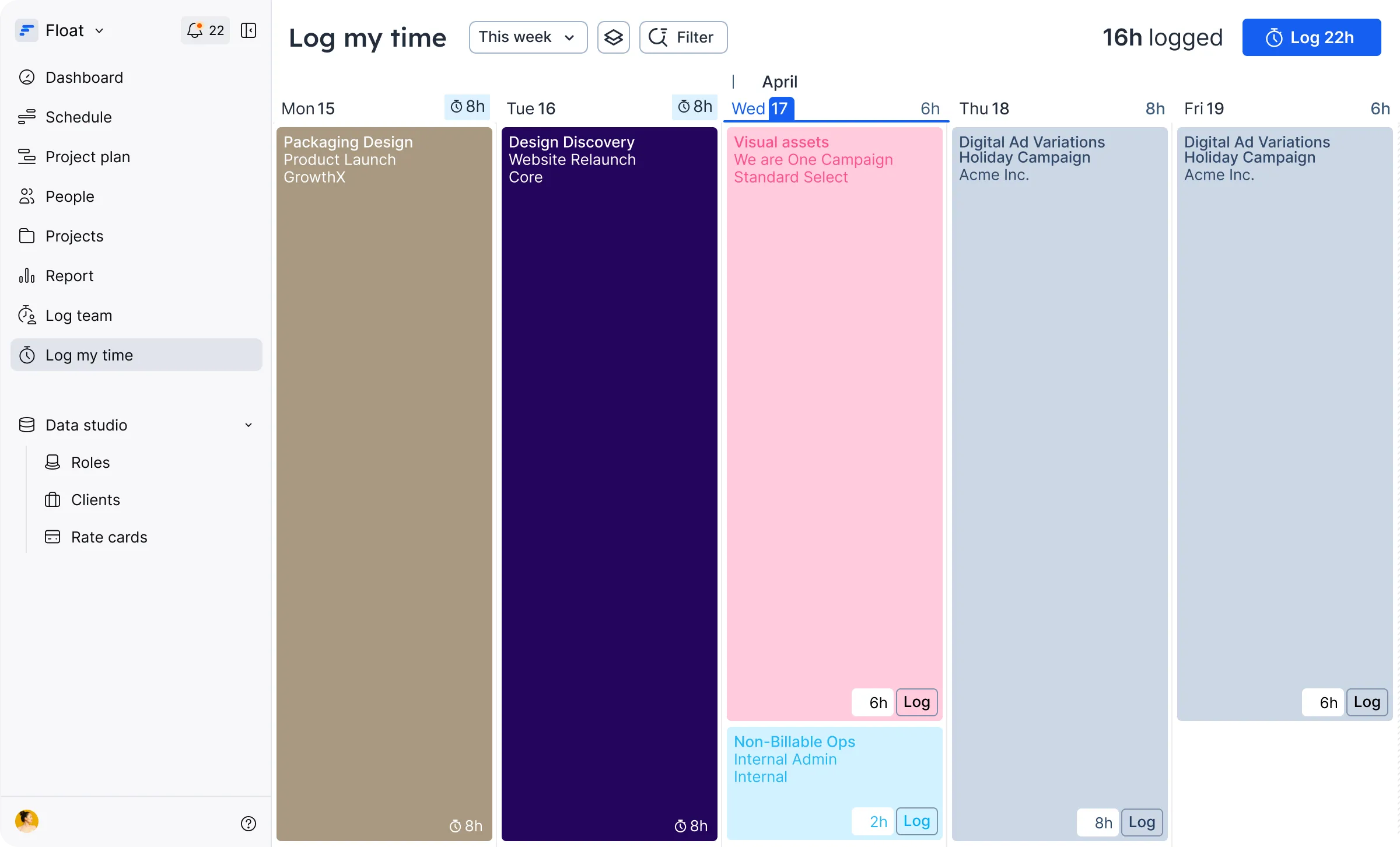
Bet your timesheet tool doesn’t fill itself out
Time tracking doesn’t have to be so hard. Float’s time tracking features take the pain out of timesheets by automating the manual parts while still giving you accurate actuals.
Designed for time tracking to be easier, more accurate, and... timely!
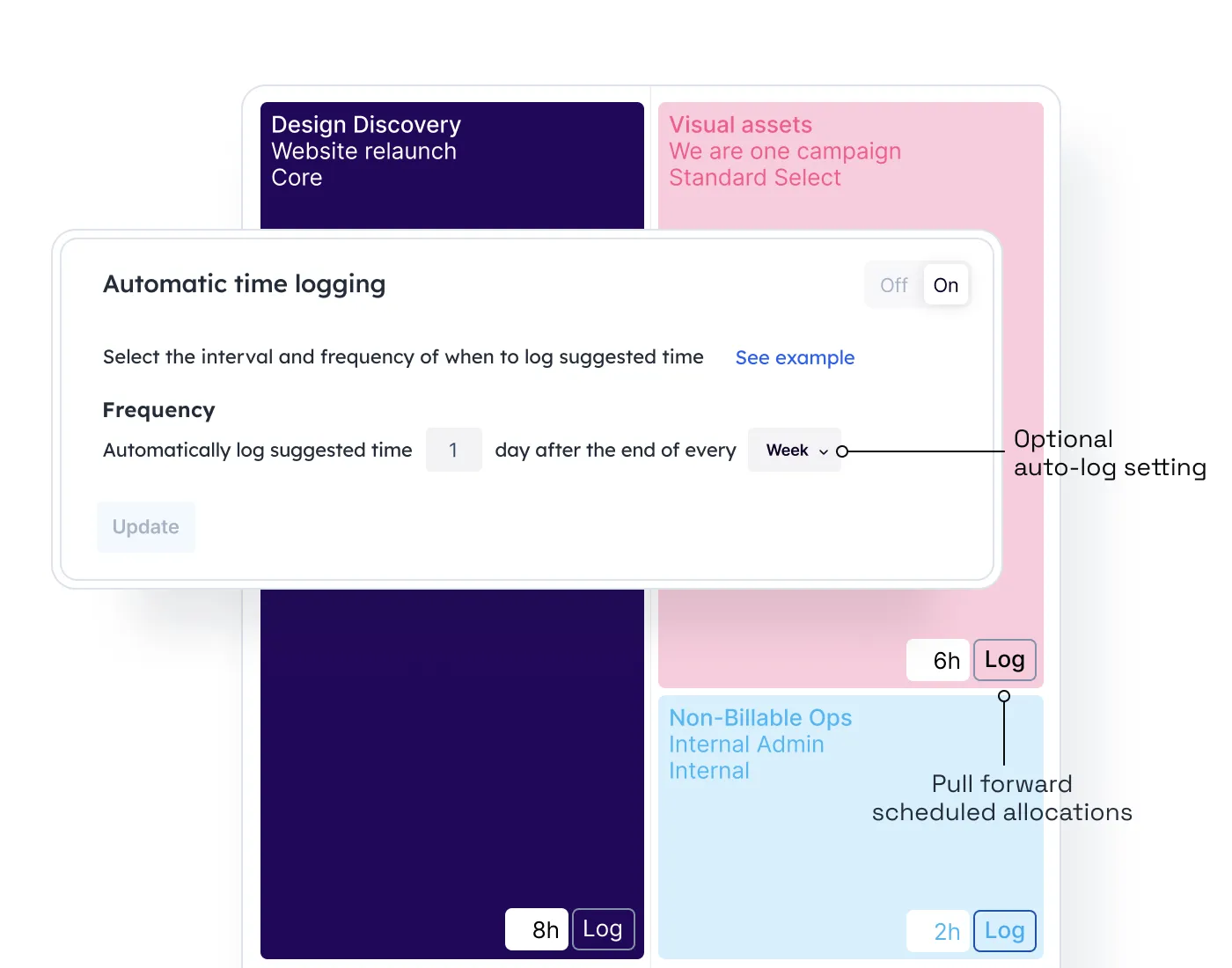
Quick submissions
Limit manual work by pre-filling timesheets from your team’s scheduled allocations. Automate time log submissions for recurring work and retainers.
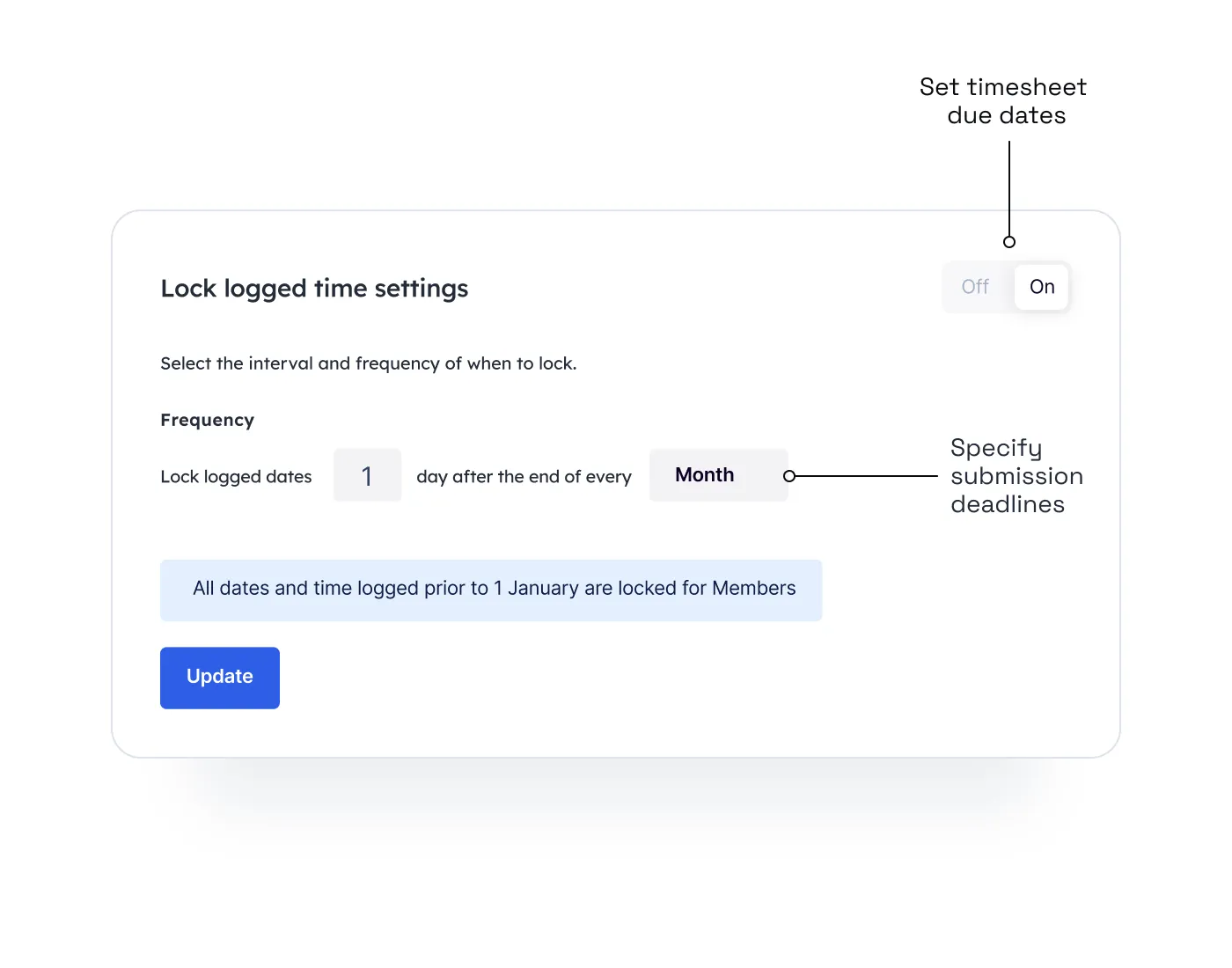
Timesheet deadlines
Set a recurring due date for your team’s timesheets with automated reminders to reduce late entries and maintain your data integrity.
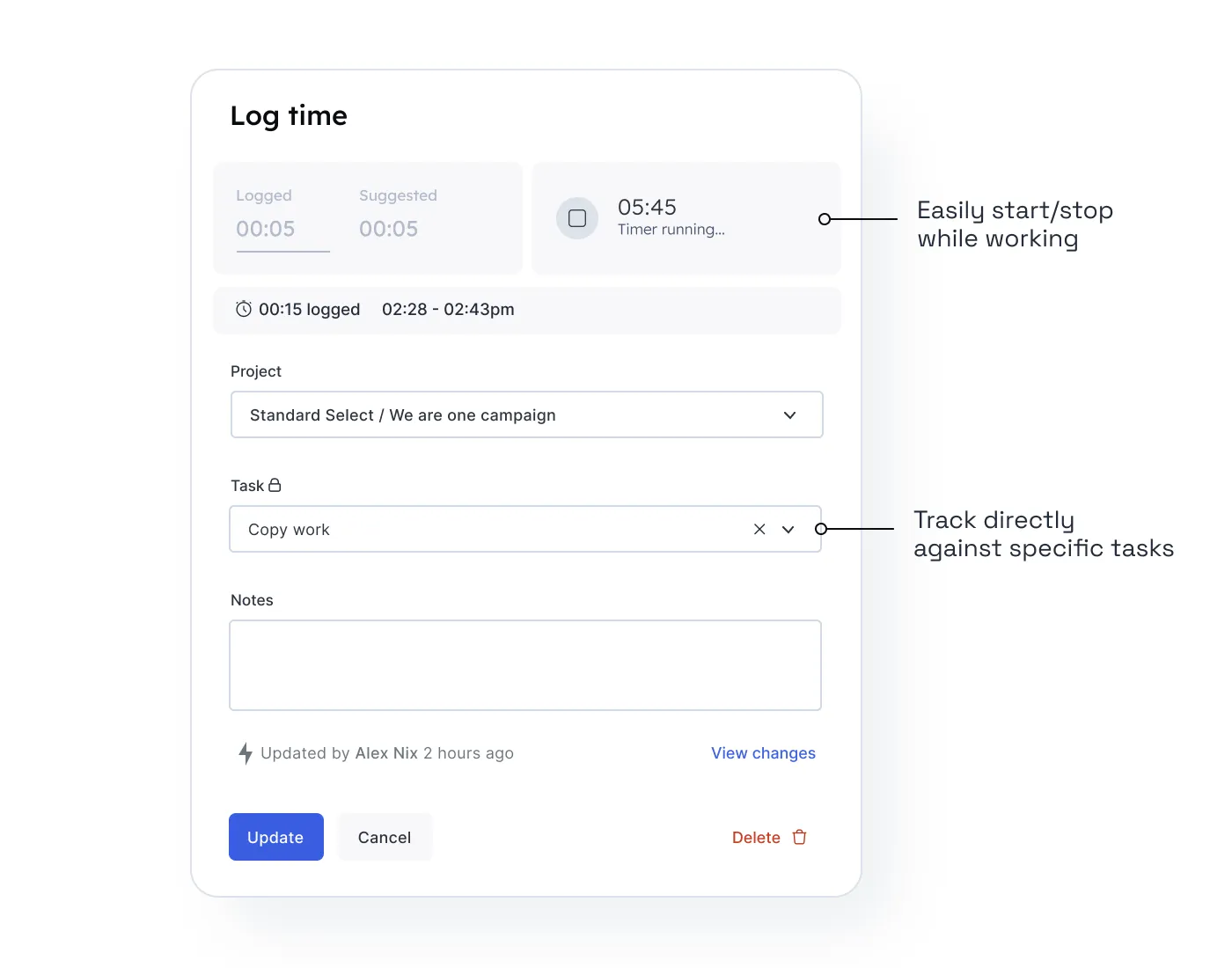
Start & stop timer
Keep track of your time down to the second by seamlessly tracking start and stop work in the web timer.

Initially, every employee used their own spreadsheet to track working hours, which led to inefficiencies and inaccuracies. Since moving to Float's time tracking, we've increased time reporting for each employee by 33%.


Profitable delivery runs on connected data
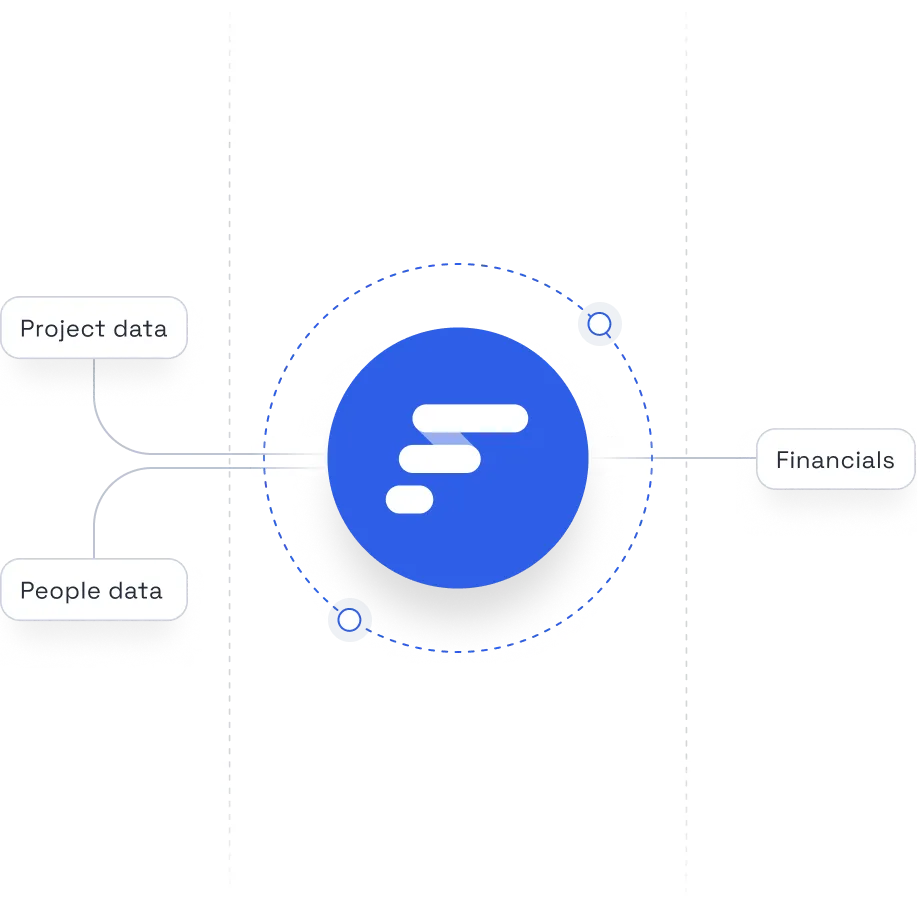
Float sits at the center of your people, project, and financial systems, keeping the data at the core of your operations accurate and always up to date.
Frequently asked questions
Float turns your team’s planned schedule into pre-filled timesheets. Work that’s already been resourced shows up automatically; your team members simply confirm it with a click or quickly adjust, without needing to keep detailed logs or start every timesheet from scratch. In turn, that means higher compliance, more accurate actuals, and cleaner data you can trust for billing, utilization, and margin reporting.
Yes. Float lets you lock timesheets after submission to protect data integrity and prevent retroactive changes, giving Ops and Finance a reliable source of truth for billing, utilization, and margin reporting.
Yes. Float lets you set clear timesheet deadlines and automated reminders that nudge people to log and confirm their time. That way, late submissions drop, you get faster close, and more reliable actuals for your billing, utilization, and margin reporting.
Yes. Float works well for recurring work by letting you schedule ongoing allocations and automatically carry them into timesheets. Planned hours repeat, actuals roll up cleanly, and you can track utilization and margins over time. That gives Ops and Finance a reliable view of how recurring work is really performing, not just what was sold.
No: time tracking in Float is just one part of a bigger system. Float helps you plan work with profitability in mind, resource the right people, and then report on actuals, all in one solution. Timesheets feed directly into utilization, budgets, and margins, so tracking time isn’t admin work. It’s how you stay profitable and in control.
Float integrates with all the tools professional services teams already rely on—project management, HR, finance, and collaboration platforms. That includes popular PM tools, calendars, payroll and finance systems, plus custom workflows via the API or Zapier. The goal isn’t to replace your stack, but to sit at the center so that resourcing, time, and financial data are kept in sync.